Video
Prompt
An ethereal moon priestess beneath a crystal torii gate, floating talismans, silver-blue starlight and delicate cinematic motion.
Start with a character, scene or story prompt—or upload an image or sketch. LumeArt’s AI anime art generator turns your input into original artwork, reusable characters, comic panels and animated video scenes in one connected workflow.
See what creators are making with the LumeArt AI anime art generator, reference images and animation tools. Explore original characters, cinematic scenes, manga concepts and short videos, then hover over any work to reveal the prompt behind it.
An ethereal moon priestess beneath a crystal torii gate, floating talismans, silver-blue starlight and delicate cinematic motion.

Close portrait of a silver-haired gothic heroine in black lace, dark antique interior, luminous rim light and painterly detail.
Pink-haired rabbit girl surrounded by bows, mirrors and tiny hearts, ornate gothic kawaii room, soft porcelain lighting.
A young explorer running through a bioluminescent forest filled with crystal plants and floating jellyfish, magical adventure motion.

Red-haired bride holding crimson lilies beneath elaborate white lace, warm window light and luxurious romantic detail.

Turquoise twin-tail virtual idol in a candy-colored music district, playful accessories, soft daylight and maximal pastel detail.

A joyful blue-haired idol reaching toward the audience under a constellation of stage lights, energetic concert composition.
A space traveler holding a warm drink beside a panoramic train window, sunrise over Mars and quiet cinematic camera movement.

A princess reflected in an ornate golden mirror among lemons, lace and storybooks, radiant yellow editorial fantasy.

Elegant blonde woman at a candlelit emerald dinner, crystal glassware, dramatic chiaroscuro and opulent painterly texture.

Melancholic black-haired bride in translucent crystal lace, jeweled tears, cool monochrome palette and intimate close framing.

White-haired young prince resting among antique gold, pearls and a jeweled crown, dramatic black background and luminous detail.

Regal white-haired paladin in blue crystal armor inside an ice palace beneath the aurora, full-body high fantasy character art.

A gentle girl meeting a tiny glowing spirit in a sunny wildflower meadow, soft watercolor anime style and warm breeze.

A graceful swordswoman surrounded by violet butterflies in a moonlit wisteria garden, luminous eyes and elegant action pose.
White-haired spider enchantress controlling glowing crimson threads in a moonless forest, graphic red-black dark fantasy palette.
Create more than a standalone image. LumeArt’s AI anime art generator helps you design a recognizable character, build the world around them, arrange the story into panels and animate the strongest moments without rebuilding your assets at every step.
Build your character once and save the face, hairstyle, outfit and style reference. Reuse those details across portraits, action poses, comic panels and video scenes so the character remains recognizable as the story grows.
Move from the first prompt to the final render without scattering files across separate tools. Keep characters, locations, props, references, prompts and finished outputs together so every new scene starts with the right context.
Turn a story outline or script into a practical manga workflow. Develop recurring characters and locations, break the narrative into pages and panels, and refine each image while keeping the chapter visually connected.
Upload an illustration or storyboard and describe how the character, camera and environment should move. Create cinematic shots with text to video, image to video or video to video, then combine the strongest moments into a larger story.
Choose an image, editing or video model according to the task instead of forcing one model to do everything. Compare visual styles, reference handling and motion results while your prompt and project assets stay connected.
Turn finished characters, locations, props and style references into a reusable story library. Bring them into future chapters, episodes and campaigns to expand the same world without recreating its visual foundations.
Start with the format you already have—an idea, prompt, photo, sketch, comic panel or finished illustration. Choose a focused tool for the next step, then carry the result into image generation, character design, comics or animation without rebuilding the project from scratch.
Character design
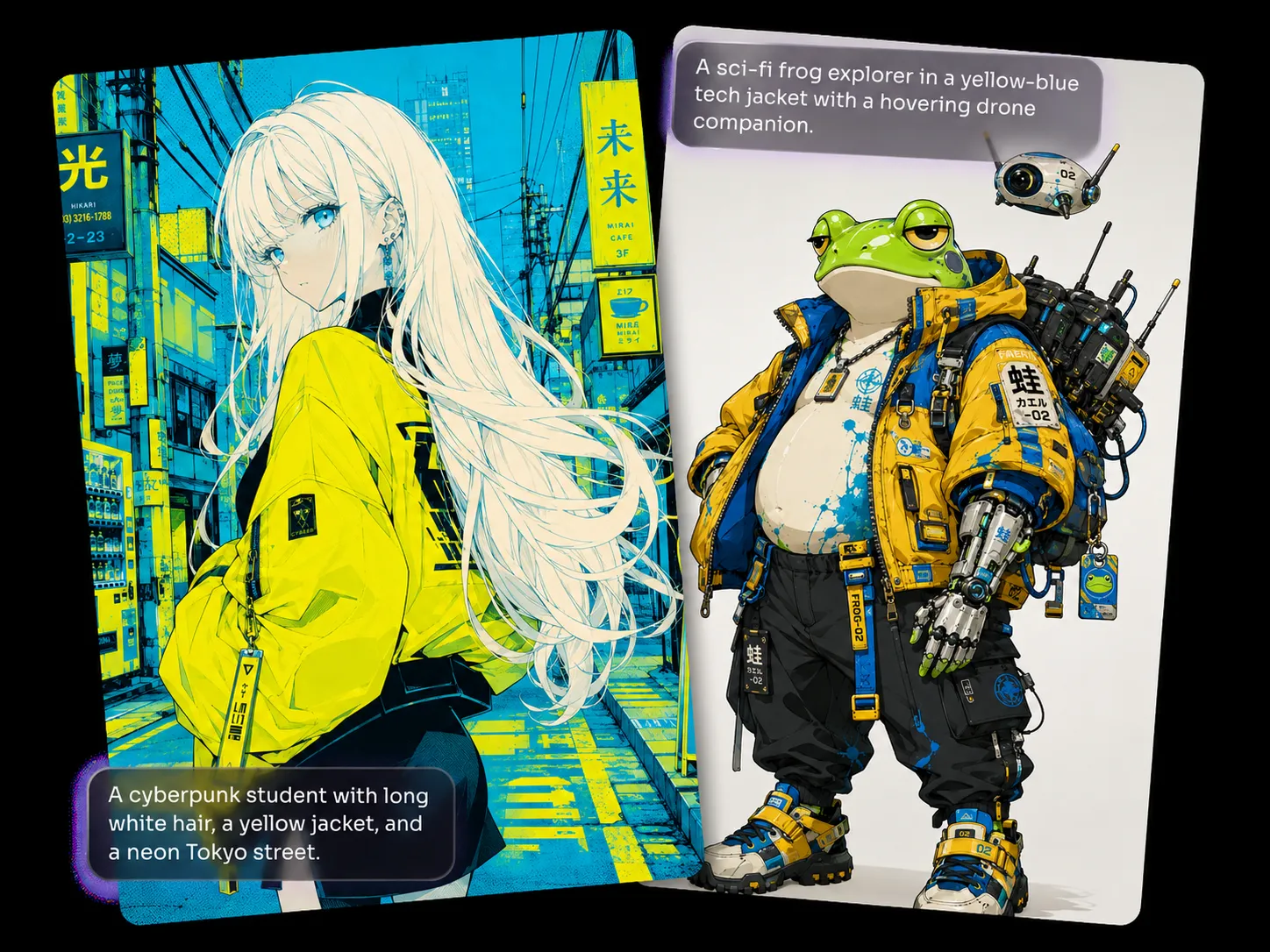
Original characters
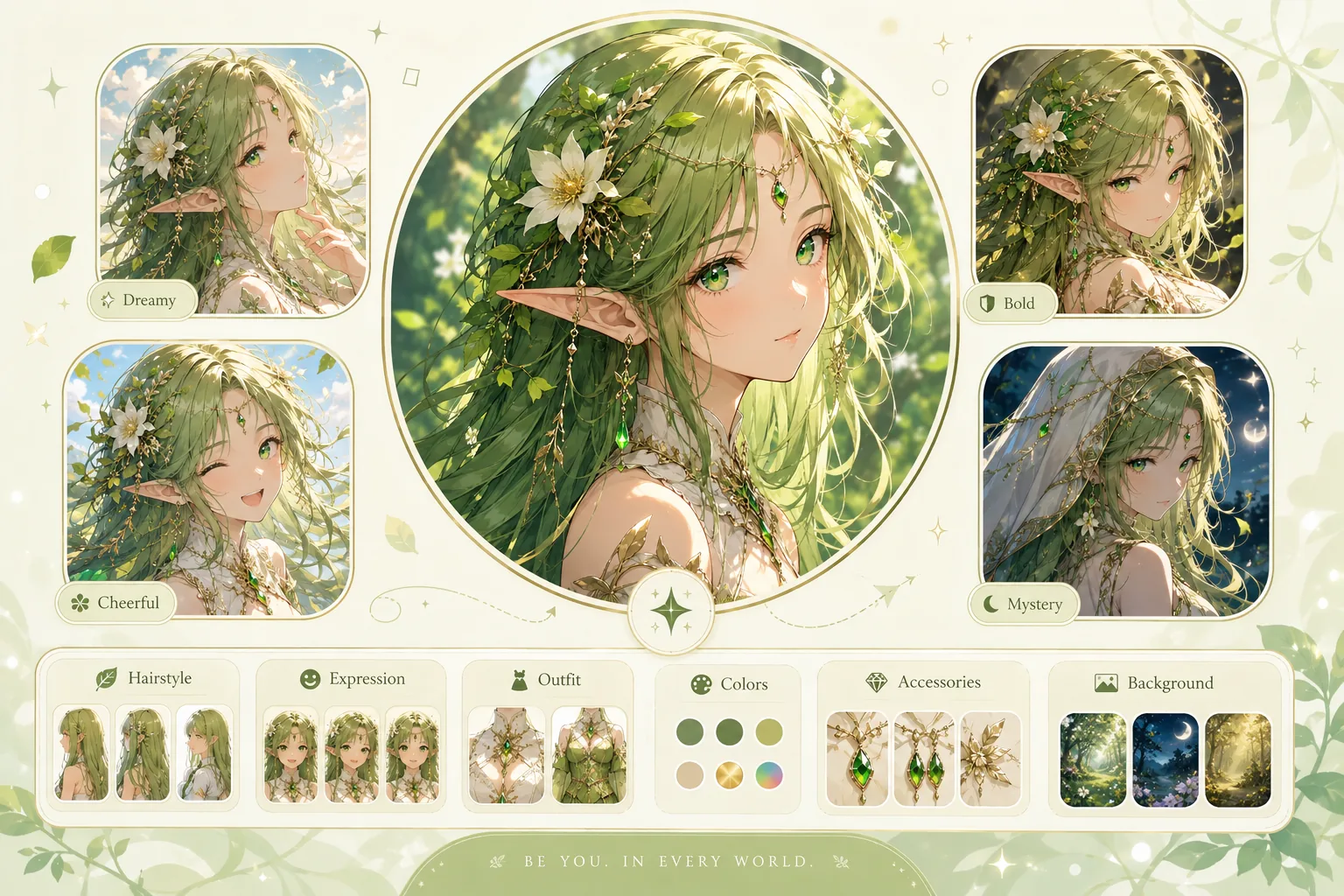
Profile artwork
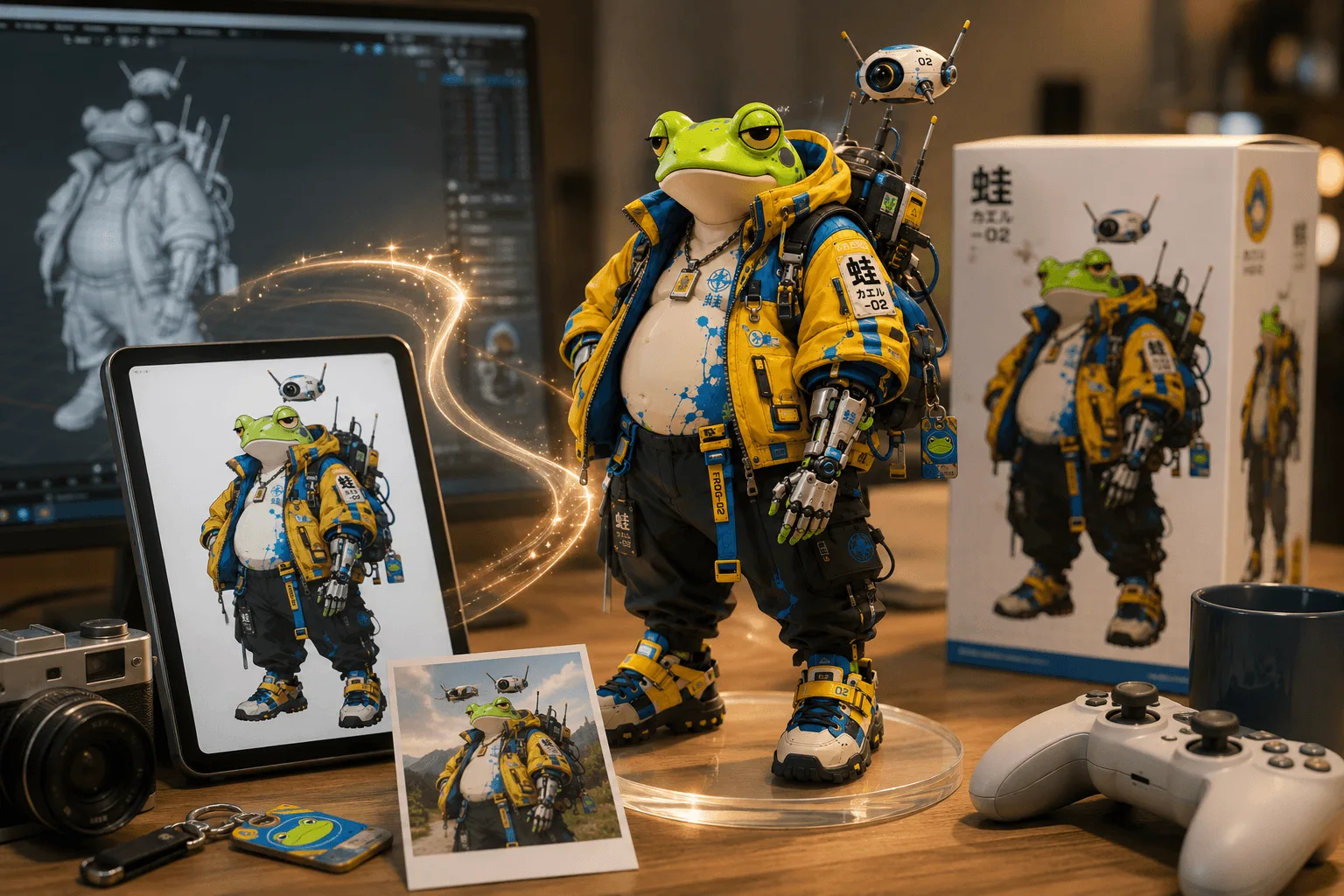
Collectible concepts

18+ video creation
See how illustrators, manga creators and VTuber artists use LumeArt to move from one idea to a reusable character, a connected sequence of images and a finished animated scene.
I can create profile art, character references and story illustrations for the same OC without starting over every time. It feels like building a real character of my own.
Keeping the character sheet and comic workflow connected means I spend more time on dialogue, pacing and storytelling instead of rebuilding the same assets.
I can take one finished illustration and turn it into a short scene with camera movement, wind, lighting and subtle character motion, all connected to my original design.
Get clear answers about the AI anime art generator, supported inputs, character consistency, comics, line-art colorization and anime video workflows before you begin your first project.
An AI anime art generator turns text prompts, reference images or sketches into original anime-style artwork. LumeArt extends that workflow into a connected creation workspace where you can develop reusable characters, illustrations, manga panels, comic pages and animated stories while keeping the project’s visual assets together.
Yes. Describe the subject, outfit, pose, expression, background, lighting and preferred anime style, and LumeArt generates an image from that direction. You can refine the prompt, switch models or bring the result into another tool when you want a different composition, more detail or motion.
Yes. Save a clear character reference together with the hairstyle, facial details, outfit and style direction you want to preserve. Reuse those assets across portraits, action scenes, comic panels and animation prompts to help the character remain recognizable from one creation to the next.
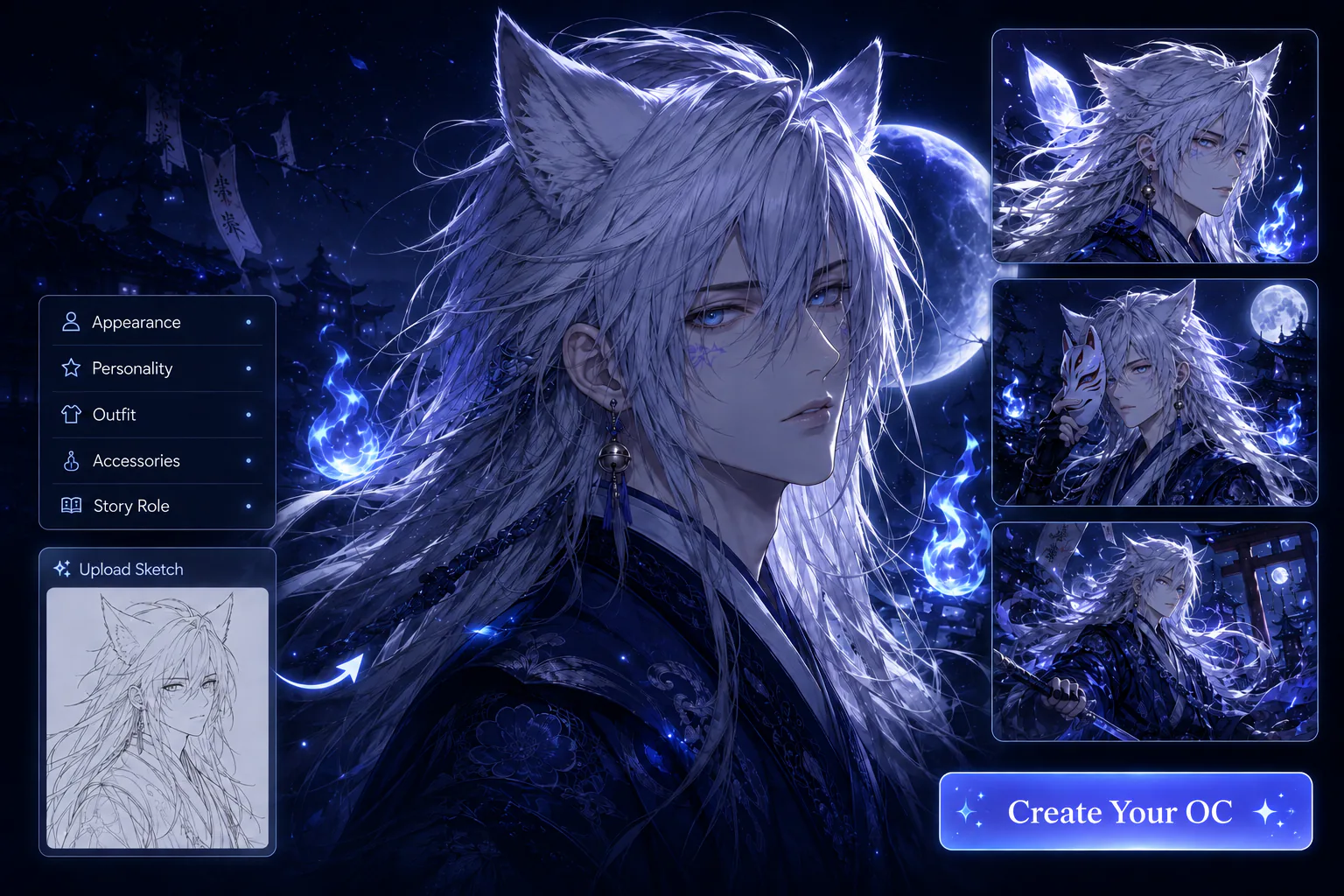
Use the Anime OC Maker to define an original character’s face, hairstyle, clothing, personality, color palette and visual theme. Once the design feels right, reuse it for profile pictures, character sheets, story illustrations, manga pages and animated scenes instead of redesigning the character every time.
Yes. Begin with a story outline or script, develop the recurring characters and locations, and turn important moments into comic panels and pages. Keeping references and scene assets inside the same project makes it easier to revise individual panels while maintaining a connected visual style.
Yes. Upload clean black-and-white line art and use Line Art Colorization to add a coherent palette, shading and rendered detail while preserving the original drawing. It works for character sketches, manga illustrations and concept art that needs a faster path from inked lines to a finished color image.
Yes. Upload the finished image, describe the character action, facial expression, environmental movement and camera direction, then generate a moving shot from the still artwork. This workflow is useful for trailers, social clips, character reveals and short story sequences built from existing illustrations.
Image to video starts from a still image and predicts how the character, camera and environment should move. Video to video starts from existing footage and applies a new anime or illustrated visual treatment while following the source movement and timing, making it better suited to restyling recorded action.
Yes. Generate anime video from a text description, a still image or supported visual references. Create individual shots with the movement and camera direction you need, then organize the strongest results as part of a larger trailer, episode, music video or narrative project.
Yes. Describe warm painted backgrounds, expressive character animation, natural scenery and the color or lighting mood you want. LumeArt can generate an original hand-painted fantasy look while keeping your own characters, setting and story direction at the center of the result.
LumeArt brings image generation, image editing and video models into one workspace. Availability and supported inputs can change by model, so choose according to the task: illustration quality, reference-image handling, character stability, camera control, motion style, speed or output format.